
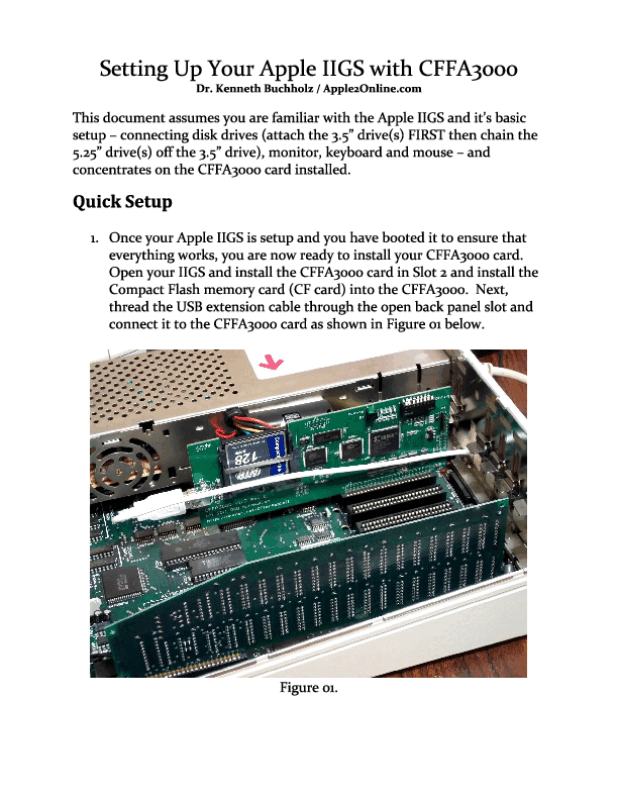
Setting Up Your Apple IIGS with CFFA3000 by Dr. Kenneth Buchholz / Apple2Online.com
This document assumes you are familiar with the Apple IIGS and it’s basic setup – connecting disk drives (attach the 3.5” drive(s) FIRST then chain the 5.25” drive(s) off the 3.5” drive), monitor, keyboard and mouse – and concentrates on the CFFA3000 card installed.

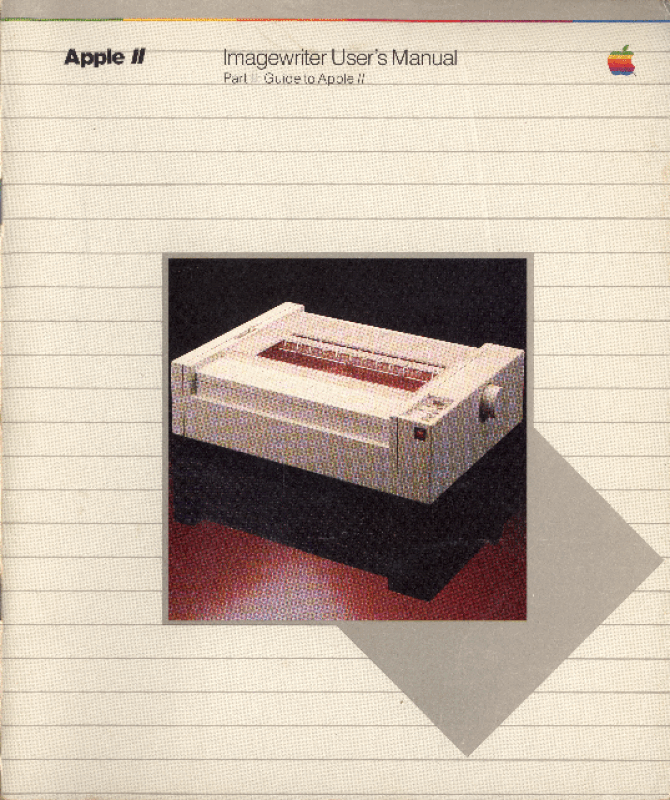
Welcome to Part Il of the Apple Imagewriter User’s Manual. This part of the manual tells you how to connect your new Imagewriter to your Apple Il computer and how to use the printer with several languages and software products.
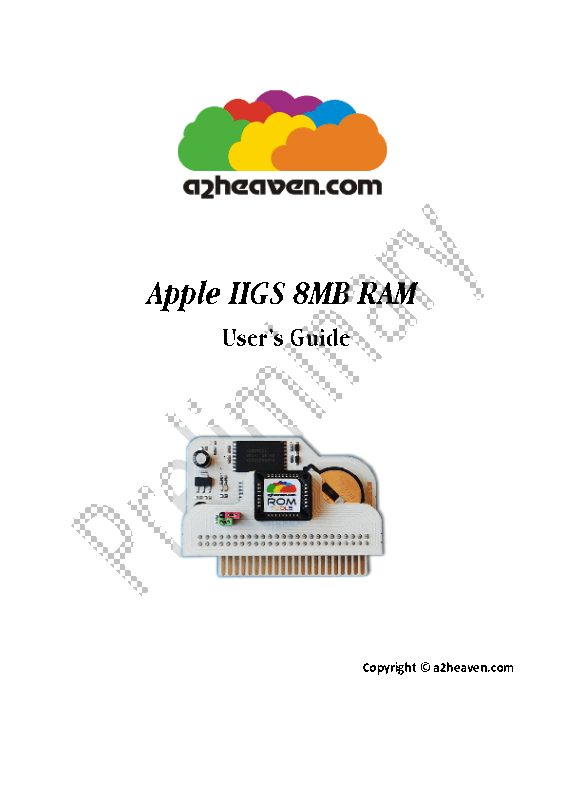
Memory Expansion IIGS8MRAM cards allows you to increase the Random Access Memory (RAM) capacity of your Apple IIGS. RAM is the memory that can beboth read from and written to-the addressable (user useable) memory. Many programs automatically look for and use available RAM to give them more room to operate (desktop space). Many programs load themselves into the available RAM at start up. This greatly increases their performance because it reduces or eliminates the need to access the relatively slow mechanical floppy drives.
** This is the preliminary manual from 2016